Text Morph
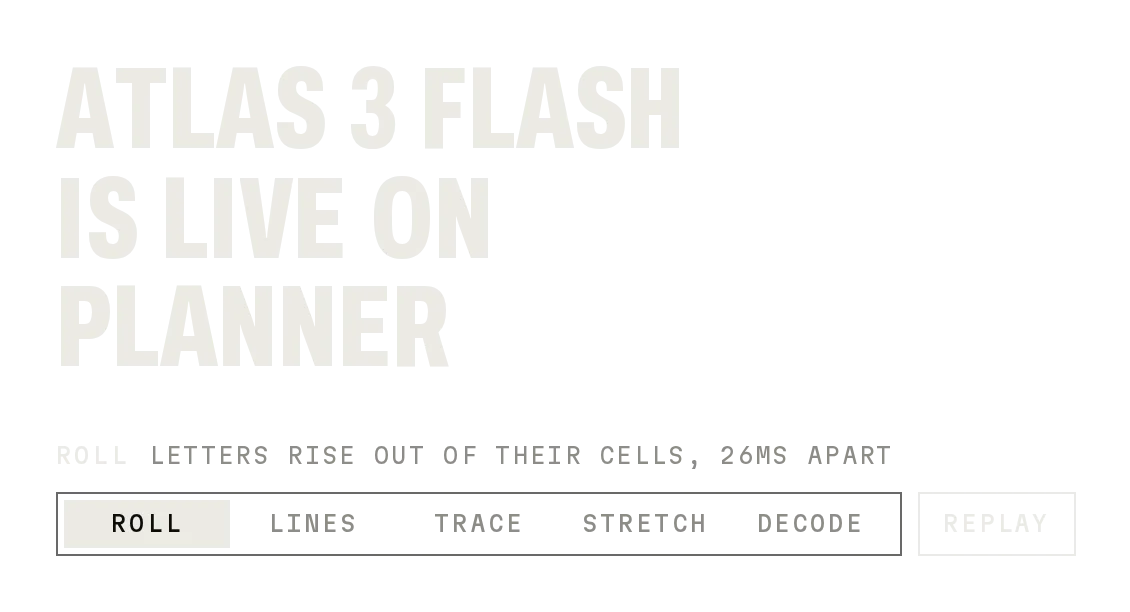
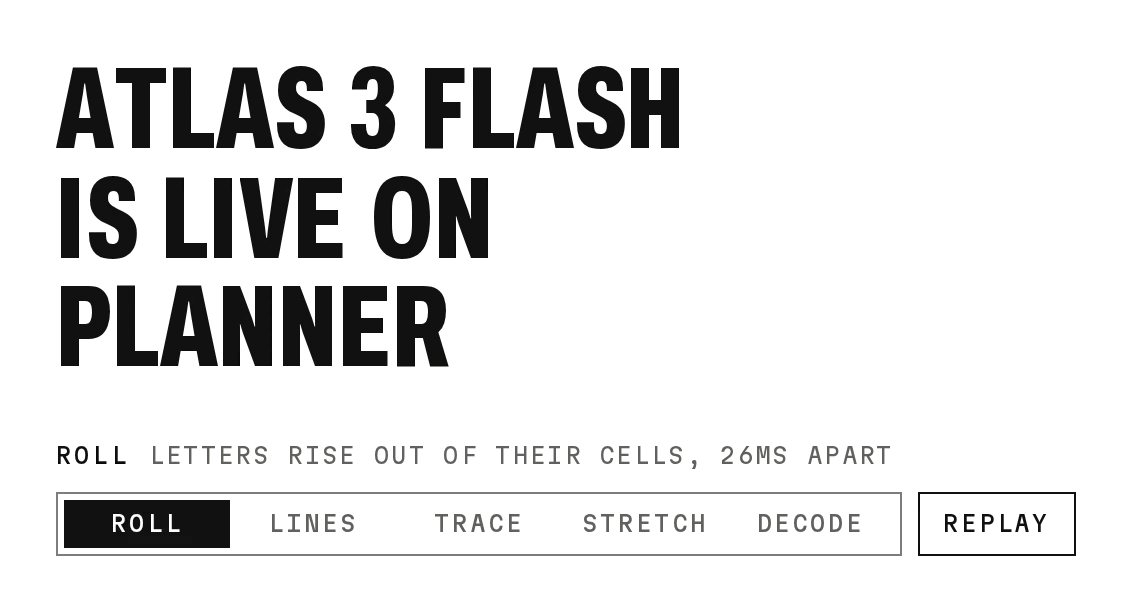
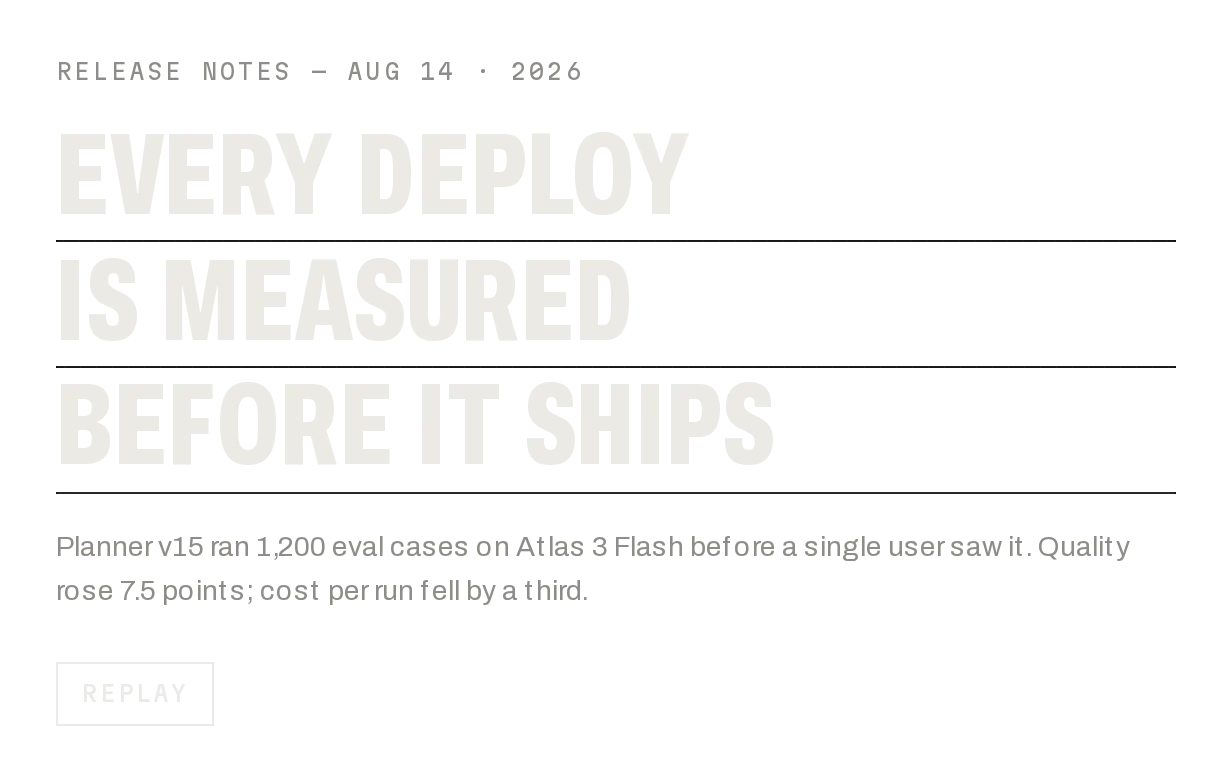
Prov1.0.0Change a word into another letter by letter, keeping shared letters in place.
Build for your project
Code/install build
Usage
Import it and pass your content. The props that matter most are listed next.
Example
"use client";

import * as React from "react";
import { TextMorph } from "@/components/ui/notchset/text-morph";

const STATES = ["QUEUED", "RUNNING", "PASSED"];

export function RunStatus() {
  const [step, setStep] = React.useState(0);
  React.useEffect(() => {
    const t = setInterval(() => setStep((s) => (s + 1) % STATES.length), 2400);
    return () => clearInterval(t);
  }, []);
  return <TextMorph value={STATES[step]} className="text-[92px]" />;
}
Props
value–stringThe word.
as–"headline" | "label"Condensed headline, or fixed mono cells for buttons.
ruler–booleanTicks under each letter (headline default).
Anatomy
- Letters match the nearest unused old letter with the same character.
- No primitive needed: one file serves both builds.
- As a label it morphs button text in fixed cells.
TextMorphdata-slot="text-morph"The word.
Source
components/ui/notchset/text-morph.tsx
This component is included with Pro.
Try the live preview above. Get Pro to install the source.
Build for your project
Code/install build
Installation
pnpm dlx shadcn@latest add @notchset-pro/text-morphNeeds your registry key. Your components.json style picks the Base UI or Radix build: radix-*, new-york and default get Radix, base-* gets Base UI.
Styles didn't apply?
The CLI adds the styles to the CSS file named in components.json (tailwind.css). Check that it points at your global stylesheet, that the project uses Tailwind CSS v4, and that the file is imported in your root layout. Installed by hand: paste styles.css into that file.
For coding agents
Give your coding assistant the Markdown guide instead of screenshots.
Use it for
- A status that changes in place: QUEUED, RUNNING, PASSED
Use something else when
- Long sentences: morph a word or two
Mistakes to avoid
- Size it with font-size on the component; positions are measured from it
Agents find it by
- text morph, status word, morphing label, letter animation, state change text, Notchset
Where agents read it
- Guide for this component: https://notchset.dev/md/text-morph.md
- Every component, for tools without MCP: /llms.txt
- MCP server:
https://notchset.dev/api/mcp(setup)
Behaviour
Keyboard
- —
- Not interactive
Accessibility
- A polite live status with the plain word for screen readers
- Reduced motion swaps the word at once
Motion
- Shared letters
- Glide to their new x (560ms), 18ms apart
- New letters
- Drop from −74% (480ms, +100ms)
- Leaving letters
- Fall to 74% (260ms) and unmount after 460ms
- First paint
- Still: measured, then shown
Responsive
- The width follows the word; give it room for the longest value.
Performance
- Measures prefix widths once per change.
Changelog
v1.0.0 · 2026-10-02
First release
Part of
Included with Pro
Pro is in early access.