Target Tally
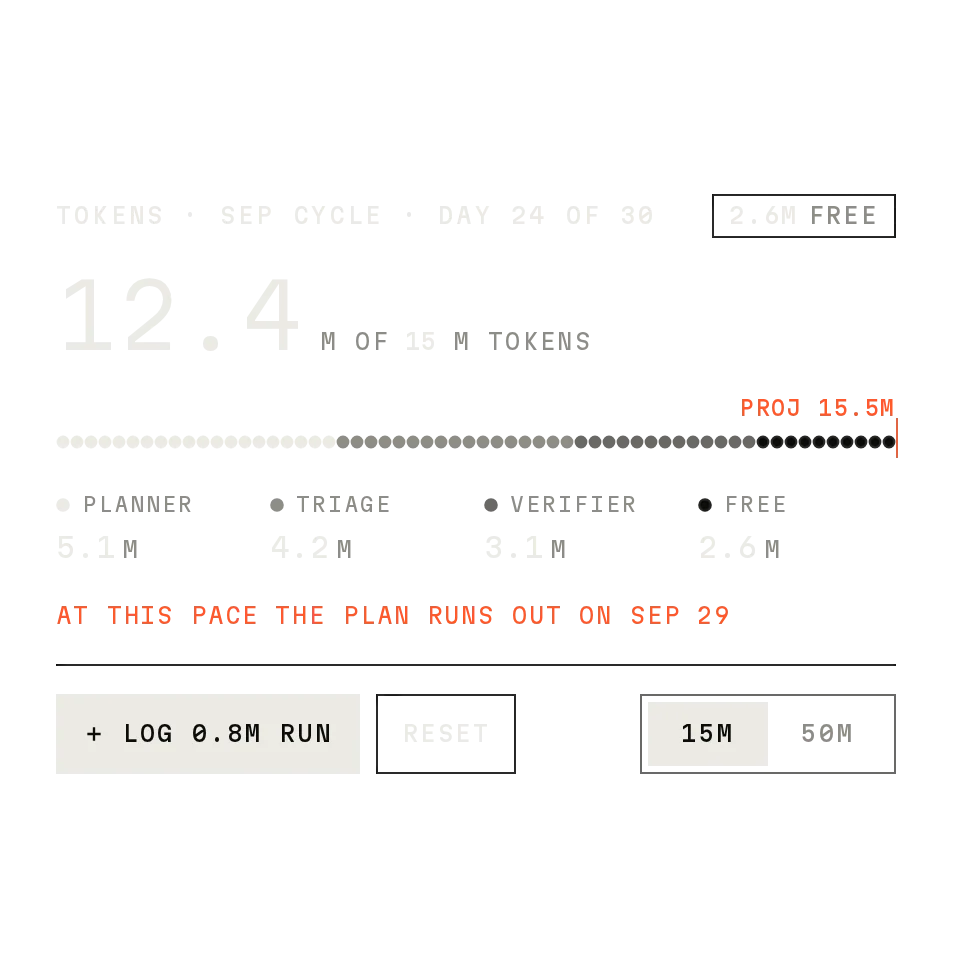
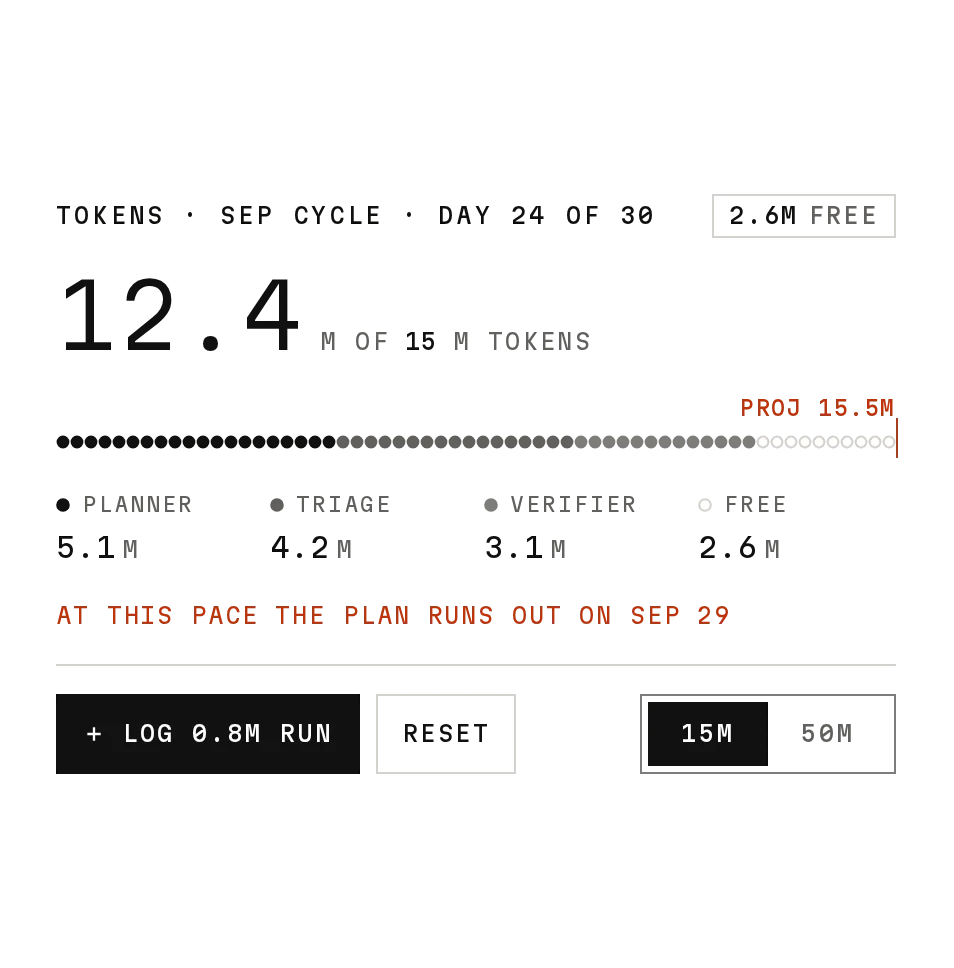
Prov1.0.0Track daily targets as dots that fill in, with a week view.
Build for your project
Code/install build
Usage
Import it and pass your content. The props that matter most are listed next.
Example
"use client";

import * as React from "react";
import { TargetTally } from "@/components/ui/notchset/target-tally";

const targets = [
  { label: "EVAL CASES", target: 1200, step: 100, unit: "CASES" },
  { label: "TRACES REVIEWED", target: 180, step: 15, unit: "TRACES" },
];
const week = [
  { weekday: "MON", date: "28", values: [1200, 180] },
  { weekday: "TUE", date: "29", values: [1080, 150] },
  { weekday: "WED", date: "30", values: [940, 130] },
  { weekday: "THU", date: "01", values: [0, 0] },
];

export function DailyTargets() {
  const [logged, setLogged] = React.useState([0, 0]);
  return (
    <TargetTally
      title="DAILY TARGETS · PLANNER TEAM"
      targets={targets}
      days={week}
      today={2}
      logged={logged}
      onLog={(i, n) => setLogged((l) => l.map((v, k) => (k === i ? v + n : v)))}
      onReset={() => setLogged([0, 0])}
    />
  );
}
Props
targets–{ label, target, step, unit }[]Up to three in rings.
days / today–{ weekday, date, values }[] / numberThe week; later days are disabled.
logged / onLog / onReset–number[] / (i, n) => void / () => voidToday's logged amounts, controlled.
Anatomy
- Uses the Notchset Segmented Control for the view switch.
- No primitive needed: one file serves both builds.
- Node staggers come from the previous count, kept in state.
TargetTallydata-slot="target-tally"Header, views, day strip and chips.
Source
components/ui/notchset/target-tally.tsx
This component is included with Pro.
Try the live preview above. Get Pro to install the source.
Build for your project
Code/install build
Installation
pnpm dlx shadcn@latest add @notchset-pro/target-tallyNeeds your registry key. Your components.json style picks the Base UI or Radix build: radix-*, new-york and default get Radix, base-* gets Base UI.
Styles didn't apply?
The CLI adds the styles to the CSS file named in components.json (tailwind.css). Check that it points at your global stylesheet, that the project uses Tailwind CSS v4, and that the file is imported in your root layout. Installed by hand: paste styles.css into that file.
For coding agents
Give your coding assistant the Markdown guide instead of screenshots.
Use it for
- Two or three daily targets a team logs against
Use something else when
- One progress value: use Progress or Usage Meter
Mistakes to avoid
- Past days are read only; log chips on them thud
Agents find it by
- targets, goals, daily progress, activity rings, tally, habit, Notchset
Where agents read it
- Guide for this component: https://notchset.dev/md/target-tally.md
- Every component, for tools without MCP: /llms.txt
- MCP server:
https://notchset.dev/api/mcp(setup)
Behaviour
Keyboard
- ← →
- Move between past days
- Enter
- Log on a chip (today only)
Accessibility
- Each track is an image labelled with its value and target; the day strip is a radio group
Motion
- Value change
- Changed nodes animate one by one over 260ms settle; numbers roll
- View
- TALLY and RINGS cross-fade over 260ms
Responsive
- Label, track, value and % columns; the track flexes.
Performance
- At most 144 ring dots.
Changelog
v1.0.0 · 2026-10-02
First release
Part of
Included with Pro
Pro is in early access.