Inline Edit
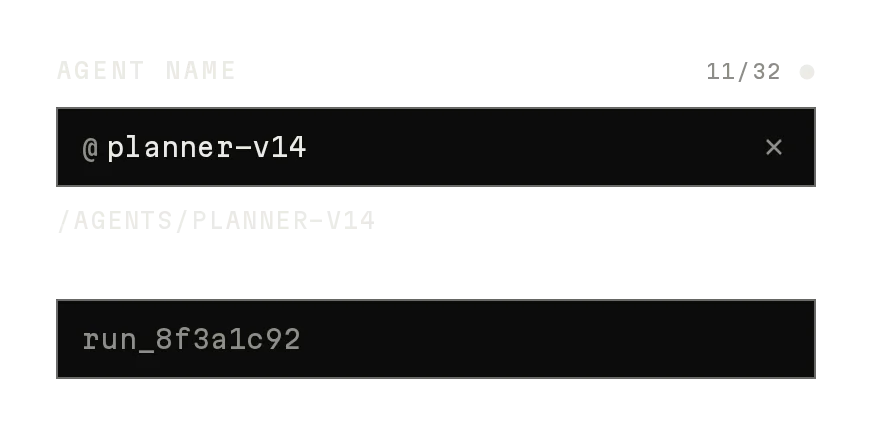
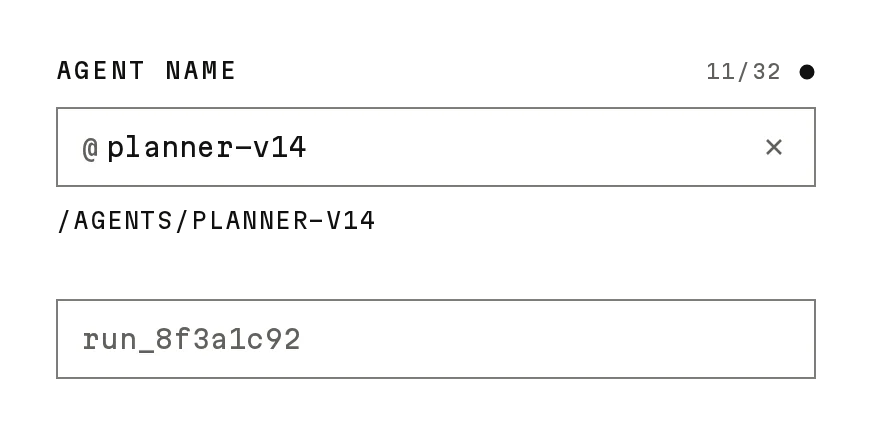
Freev1.0.0Click text to edit it where it is, with an optimistic save and retry.
Build for your project
Code/install build
Usage
Import it and pass your content. The props that matter most are listed next.
Example
"use client";

import { InlineEdit, InlineEditGroup, InlineEditStatus } from "@/components/ui/notchset/inline-edit";

export function AgentDetails({ name, description, save }: { name: string; description: string; save: (patch: { name?: string; description?: string }) => Promise<void> }) {
  return (
    <InlineEditGroup>
      <InlineEdit label="NAME" value={name} onCommit={(v) => save({ name: v })} />
      <InlineEdit label="DESCRIPTION" value={description} onCommit={(v) => save({ description: v })} multiline />
      <InlineEditStatus />
    </InlineEditGroup>
  );
}
Props
label / value–stringThe field.
onCommit–(value) => PromiseSave it; reject (or resolve false) to revert.
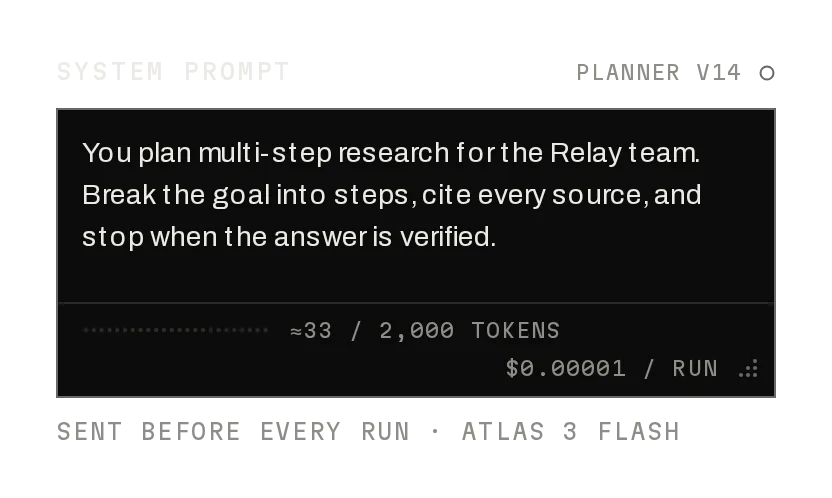
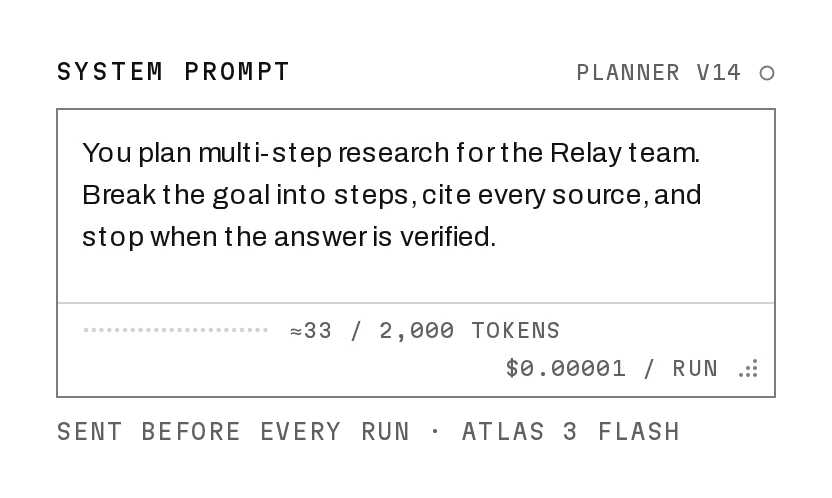
multiline / maxLength–boolean / numberA textarea (⌘↵ saves) and its limit (40, 160 multiline).
InlineEditGroup / InlineEditStatus–componentsShare one status line (saving, saved, error with Retry) and frame state.
Anatomy
- No primitive needed: one file serves both builds.
- Optimistic: the new text shows while onCommit runs, reverted on failure.
- A stale save can't overwrite a newer one.
InlineEditdata-slot="inline-edit"One field.
InlineEditGroupdata-slot="inline-edit-group"Shared state.
InlineEditStatusdata-slot="inline-edit-status"The status line.
Source
components/ui/notchset/inline-edit.tsx
Loading the code
Build for your project
Code/install build
Installation
Base UI
pnpm dlx shadcn@latest add https://notchset.dev/r/inline-edit.jsonRadix
pnpm dlx shadcn@latest add https://notchset.dev/r/radix-nova/inline-edit.jsonFree, no account or key. Use the command for your project's primitives: a radix-*, new-york or default style in components.json is Radix, a base-* style is Base UI. With the @notchset registry added, @notchset/<name> picks for you.
Install by hand
- 1. No extra packages: React and Tailwind CSS v4 are enough.
- 2. Copy the files to these paths (the source, or save them all as a .zip)
- components/ui/notchset/inline-edit.tsx
- lib/beautiful-ui/notchset/instrument.tsx
- lib/beautiful-ui/notchset/root.ts
- 3. No stylesheet needed.
- 4. Install what it builds on first: shadcn's cn helper (lib/utils.ts, from npx shadcn init), the theme foundation (its tokens and base styles)
Styles didn't apply?
The CLI adds the styles to the CSS file named in components.json (tailwind.css). Check that it points at your global stylesheet, that the project uses Tailwind CSS v4, and that the file is imported in your root layout. Installed by hand: paste styles.css into that file.
For coding agents
Give your coding assistant the Markdown guide instead of screenshots.
Use it for
- Names and descriptions people change occasionally, right where they read them
Use something else when
- Forms with many fields: use Input and a Save button
Mistakes to avoid
- Resolve onCommit only once the change is stored, so the optimistic text means something
Agents find it by
- inline edit, edit in place, click to edit, editable text, rename, Notchset
Where agents read it
- Guide for this component: https://notchset.dev/md/inline-edit.md
- Every component, for tools without MCP: /llms.txt
- MCP server:
https://notchset.dev/api/mcp(setup)
Behaviour
Keyboard
- Enter / Space
- Edit
- Enter (⌘↵ multiline)
- Save
- Esc
- Cancel
Accessibility
- Reading, it is a button named with its label and value; Enter or Space edits
- Editing keeps the same font, so nothing moves under the reader
- The status line is polite live text; Retry is a real button
Motion
- Hover
- The dashes ink and a pen settles in from −4px (260ms)
- Edit
- A solid ink line draws in from the left (320ms)
- Save
- Muted while saving, ink when saved; a failure reverts and the frame turns signal
Responsive
- Fills its container; reading text wraps, the counter sits under the line's end.
Performance
- Native input and textarea; nothing runs while reading.
Changelog
v1.0.0 · 2026-10-02
First release