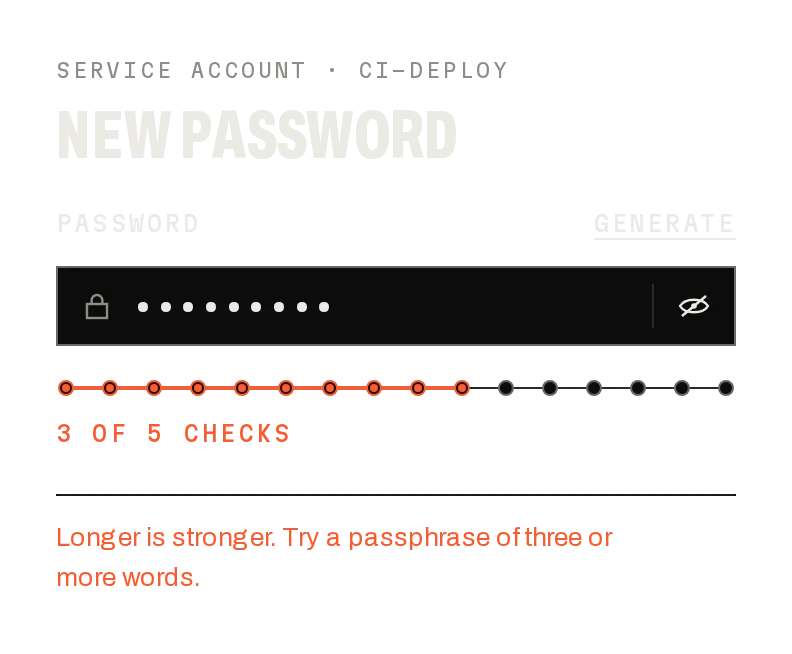
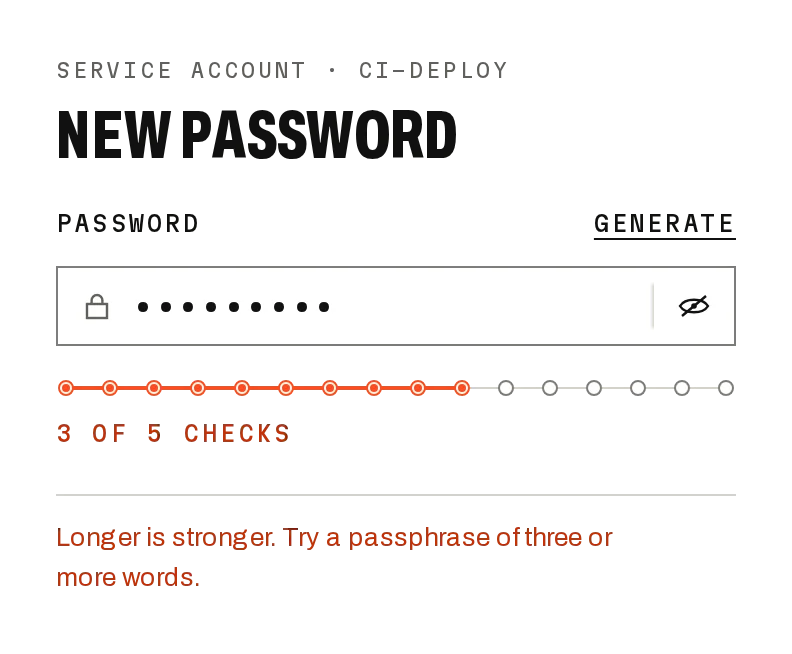
Password Field
Freev1.0.0A password input with show and hide, a Caps Lock warning and a forgot link.
Build for your project
Code/install build
Usage
Import it and pass your content. The props that matter most are listed next.
Example
"use client";

import * as React from "react";
import { PasswordField } from "@/components/ui/notchset/password-field";

export function SignInPassword({ signIn }: { signIn: (password: string) => Promise<boolean> }) {
  const [password, setPassword] = React.useState("");
  const [error, setError] = React.useState<string | undefined>();
  const [attempts, setAttempts] = React.useState(0);
  const [pending, setPending] = React.useState(false);
  // Only the latest attempt may report: a slow failure can't land after a later success.
  const attempt = React.useRef(0);
  return (
    <form
      onSubmit={async (e) => {
        e.preventDefault();
        if (pending) return;
        const id = ++attempt.current;
        setPending(true);
        setError(undefined);
        try {
          const ok = await signIn(password);
          if (id !== attempt.current || ok) return;
          setError("That password doesn't match.");
          setAttempts((a) => a + 1);
        } catch {
          if (id === attempt.current) setError("Couldn't reach sign-in. Try again.");
        } finally {
          if (id === attempt.current) setPending(false);
        }
      }}
    >
      <PasswordField
        value={password}
        onValueChange={(v) => {
          setPassword(v);
          setError(undefined);
        }}
        error={error}
        shake={attempts}
        forgotHref="/reset"
      />
      <button type="submit" disabled={pending}>
        {pending ? "Signing in…" : "Sign in"}
      </button>
    </form>
  );
}
Props
value / onValueChange–string / fnControlled.
error–stringSignal border and help line; sets aria-invalid.
shake–numberBump it to shake on a refused attempt.
revealable / capsLockHint–booleanThe show/hide key and the CAPS chip (both on).
forgotHref / onForgot–string / fnThe Forgot link.
help–ReactNodeThe help line when there is no error.
Anatomy
- No primitive needed: one file serves both builds.
- Shares its field with Password Strength (PasswordInput is exported for your own layouts).
- The shake uses the Web Animations API, so the input keeps focus.
PasswordFielddata-slot="password-field-root"Label, field and help.
fielddata-slot="password-field"The 40px field.
Source
components/ui/notchset/password-field.tsx
Loading the code
Build for your project
Code/install build
Installation
Base UI
pnpm dlx shadcn@latest add https://notchset.dev/r/password-field.jsonRadix
pnpm dlx shadcn@latest add https://notchset.dev/r/radix-nova/password-field.jsonFree, no account or key. Use the command for your project's primitives: a radix-*, new-york or default style in components.json is Radix, a base-* style is Base UI. With the @notchset registry added, @notchset/<name> picks for you.
Install by hand
- 1. No extra packages: React and Tailwind CSS v4 are enough.
- 2. Copy the files to these paths (the source, or save them all as a .zip)
- components/ui/notchset/password-field.tsx
- lib/beautiful-ui/notchset/password.tsx
- lib/beautiful-ui/notchset/instrument.tsx
- lib/beautiful-ui/notchset/root.ts
- 3. No stylesheet needed.
- 4. Install what it builds on first: shadcn's cn helper (lib/utils.ts, from npx shadcn init), the theme foundation (its tokens and base styles)
Styles didn't apply?
The CLI adds the styles to the CSS file named in components.json (tailwind.css). Check that it points at your global stylesheet, that the project uses Tailwind CSS v4, and that the file is imported in your root layout. Installed by hand: paste styles.css into that file.
For coding agents
Give your coding assistant the Markdown guide instead of screenshots.
Use it for
- Sign-in and re-authentication forms
Use something else when
- Choosing a new password: use Password Strength
Mistakes to avoid
- Clear the error as the user types, so the next refusal reads as new
Agents find it by
- password field, password input, sign in, show password, caps lock warning, login form, Notchset
Where agents read it
- Guide for this component: https://notchset.dev/md/password-field.md
- Every component, for tools without MCP: /llms.txt
- MCP server:
https://notchset.dev/api/mcp(setup)
Behaviour
Keyboard
- Enter
- Submit the form
- Tab
- Reach show/hide
Accessibility
- A real label; the help line describes the input and is polite live text
- The show/hide key is type="button" with aria-pressed: it never submits the form
- Caps Lock is announced in the help line
Motion
- Show / hide
- The slash draws away (280ms) and the pupil grows
- Refused
- Shakes ±3px in four 50ms steps
Responsive
- Fills its container; the show/hide key and CAPS chip keep their size.
- 44px tall on touch screens.
Performance
- A native input; the shake uses the Web Animations API on the field, so the input keeps focus.
Changelog
v1.0.0 · 2026-10-02
First release